
This how-to creates one or more Segments for a Trigger or Broadcast.
Prerequisites
Creating a Segment
To add a Segment to a Trigger or Broadcast, click Add Segment.
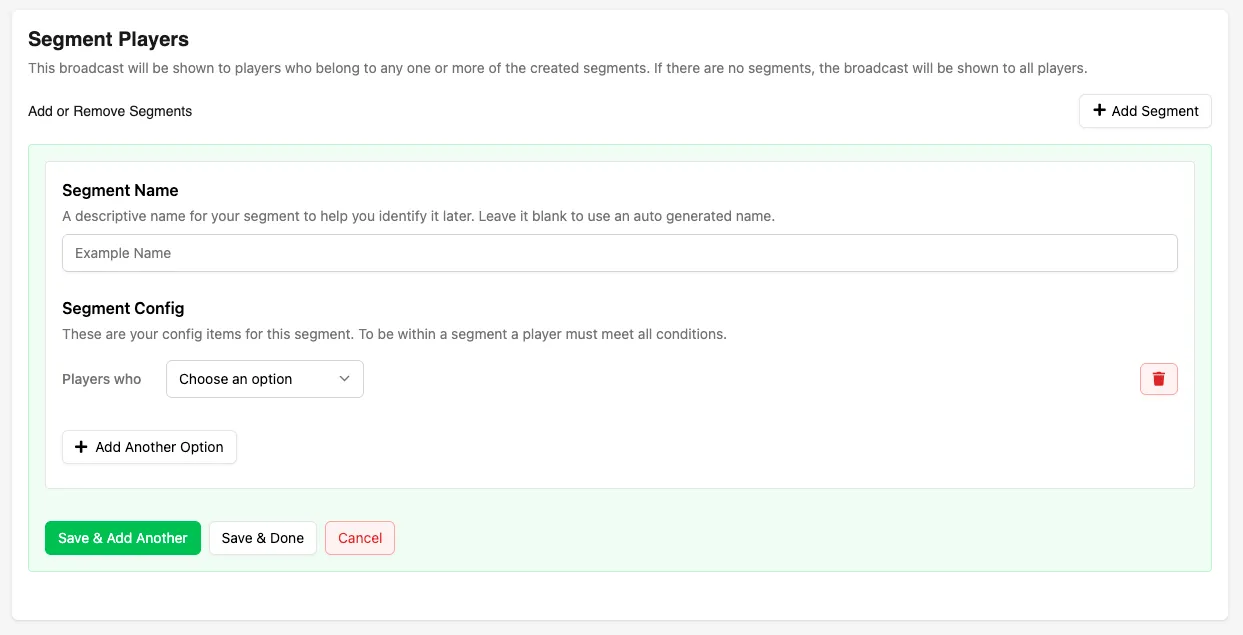
Segment Name
Enter a name for the Segment, or leave it blank to have a name and description automatically generated based on the Segment configuration.
Segment Configuration
Each Segment is made up of one or more conditions that define which players qualify.
Available configuration options include:
- Are Playing On: Select one or more platforms that the player has (or has not) played on previously.
- Have Linked: Select one or more platform accounts that the player has linked to their LootLocker profile through Unified Player Accounts.
- Joined: Filter players based on the date or date range when they started playing the game they are currently playing.
- Were Last Seen: Filter players by the date or date range of their most recent session (excluding their current session) in the game they are currently playing.
- Have a Playtime: Target players based on a specific playtime value or time range in the game they are currently playing.
- Have Also Played: Select one or more games that the player has (or has not) played previously.
- Have String Metadata: Target players based on a string Metadata value attached to their player profile, such as region, faction, rank name, or custom tags.
- Have Number Metadata: Target players based on a numeric Metadata value attached to their player profile, such as score, level, reputation, or matchmaking rating.
- Have Boolean Metadata: Target players based on a true or false Metadata value attached to their player profile, such as whether a tutorial has been completed or a feature has been unlocked.
Different Metadata types support different comparison operations depending on the selected condition type.
Adding Multiple Conditions
Click Add Another Option to add additional conditions to the same Segment.
Conclusion
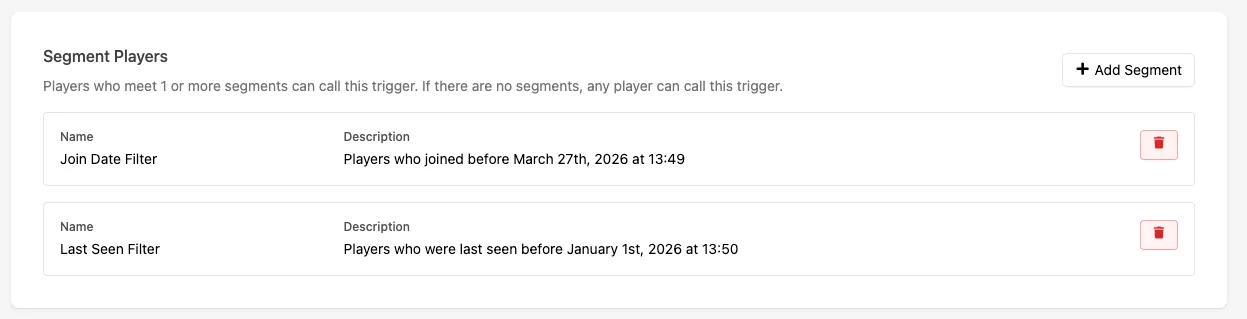
You've attached one or more Segments to a Trigger or Broadcast.