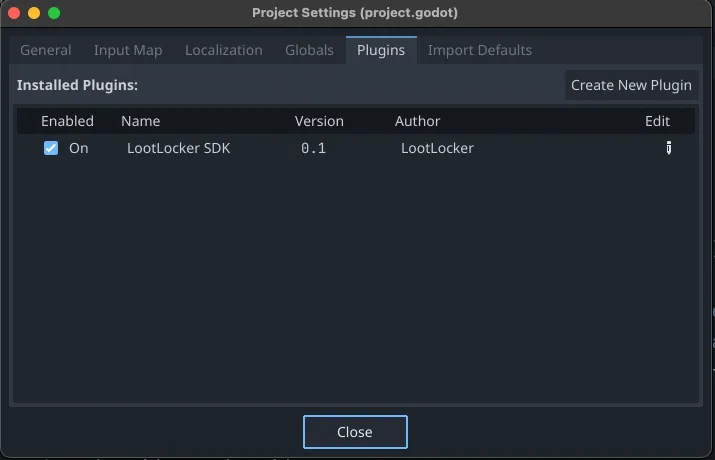
You can get the Godot SDK plugin through the Godot Asset Library or directly from our GitHub. Regardless of which method you choose, the process is straightforward.
- Download the latest version of the Plugin.
- From the asset library by pressing Download on the LootLocker SDK asset corresponding to your version of Godot Engine.
- OR from GitHub by going to the latest release and downloading the zip file that corresponds to your version of Godot Engine (scroll down to the bottom of the release page, and under the assets menu you can find the zips with the Godot Version in the end of the name).
- Unpack the zip. This will give you a folder named
LootLockerSDK - Move the
LootLockerSDKfolder into your Godot Project'saddonsfolder. - Open up your Godot Project and go to Project Settings > Plugins and enable the LootLockerSDK plugin.